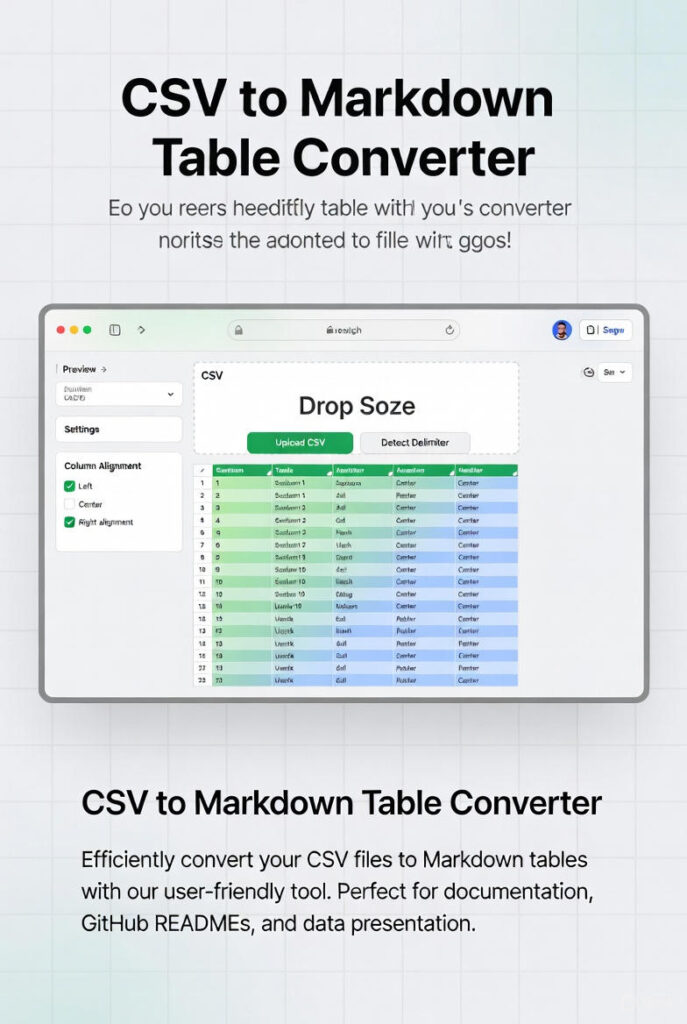
CSV to Markdown Table Converter
Transform your CSV data into clean, readable Markdown tables instantly. Perfect for documentation, GitHub READMEs, and technical writing.
Drop your CSV file here
or click to browse • Supports .csv files
// Markdown table will appear here...
Complete Guide to CSV to Markdown Table Conversion
Converting CSV files to Markdown tables has become an essential skill for developers, technical writers, and content creators working in modern documentation workflows. CSV (Comma-Separated Values) files excel at storing and exchanging tabular data between applications, while Markdown tables provide the ideal format for presenting that data in documentation, README files, and web content. Understanding the conversion process and best practices ensures your data maintains integrity and displays correctly across different platforms.
Why Choose Markdown Tables for Data Presentation?
Markdown tables offer several compelling advantages over alternative formats. First, they remain human-readable even in their raw text form, making them perfect for collaborative environments where multiple team members review and edit documentation. Version control systems like Git can track changes to Markdown tables line by line, enabling meaningful diffs that show exactly what data changed. This granular change tracking proves invaluable for maintaining accurate documentation history.
Unlike HTML tables that require verbose markup with opening and closing tags, Markdown tables use minimal syntax. A simple combination of pipe characters (|) and hyphens (-) creates properly formatted tables that render beautifully when processed by Markdown parsers. This lightweight syntax reduces file size and keeps your documentation focused on content rather than formatting code.
Maintaining Data Integrity During Conversion
Preserving data integrity throughout the conversion process requires attention to several key factors. Special characters within your CSV data—particularly pipe characters, which serve as column delimiters in Markdown—must be properly escaped to prevent rendering issues. Our converter automatically handles this escaping, replacing literal pipe characters with their escaped equivalent (\|) to ensure your data displays correctly.
Multi-line content within CSV cells presents another common challenge. Standard Markdown tables don’t support line breaks within cells, so these must be converted to HTML break tags (<br>) or handled through alternative approaches depending on your target platform’s Markdown flavor. Quoted fields in CSV files, which may contain delimiter characters or line breaks, require careful parsing to maintain proper cell boundaries.
Comparison with Other Table Formats
When choosing a table format for your documentation, consider the trade-offs between Markdown, HTML, and other alternatives. Markdown tables prioritize readability and simplicity but lack advanced features like cell merging, complex styling, or nested tables. For straightforward data presentation, this simplicity becomes an advantage—the clean syntax makes tables easy to create and maintain.
HTML tables offer complete control over styling and structure but sacrifice readability in source form. For documentation stored in version control, the verbose HTML syntax makes change tracking more difficult and increases cognitive load when editing. LaTeX tables provide excellent mathematical typesetting but require specialized knowledge and rendering environments.
Common Use Cases and Applications
Software developers frequently use Markdown tables for API documentation, displaying endpoint parameters, response fields, and error codes in organized formats. GitHub README files commonly include tables showing project features, installation requirements, or comparison charts. Technical writers leverage Markdown tables throughout documentation sites built with static site generators like Jekyll, Hugo, or Docusaurus.
Data analysts convert CSV exports from spreadsheet applications into Markdown tables for inclusion in research reports and presentations. Project managers use Markdown tables in task tracking systems and wiki pages to present status updates, milestone timelines, and resource allocations. The universal support for Markdown across modern tools makes table conversion a valuable productivity enhancement for anyone working with structured data.
Optimizing Tables for Sharing and Collaboration
When preparing Markdown tables for sharing, consider your audience and platform. GitHub-flavored Markdown supports column alignment syntax, allowing you to specify left, center, or right alignment for each column. This alignment control helps present numerical data more professionally and improves readability for mixed-content tables.
For large datasets, consider whether a Markdown table remains the appropriate format. Tables with many columns may become unwieldy and difficult to read on smaller screens. In these cases, breaking data into multiple focused tables or using alternative visualization approaches may serve your readers better. Always test your Markdown tables across different viewers and screen sizes to ensure they render acceptably for your entire audience.