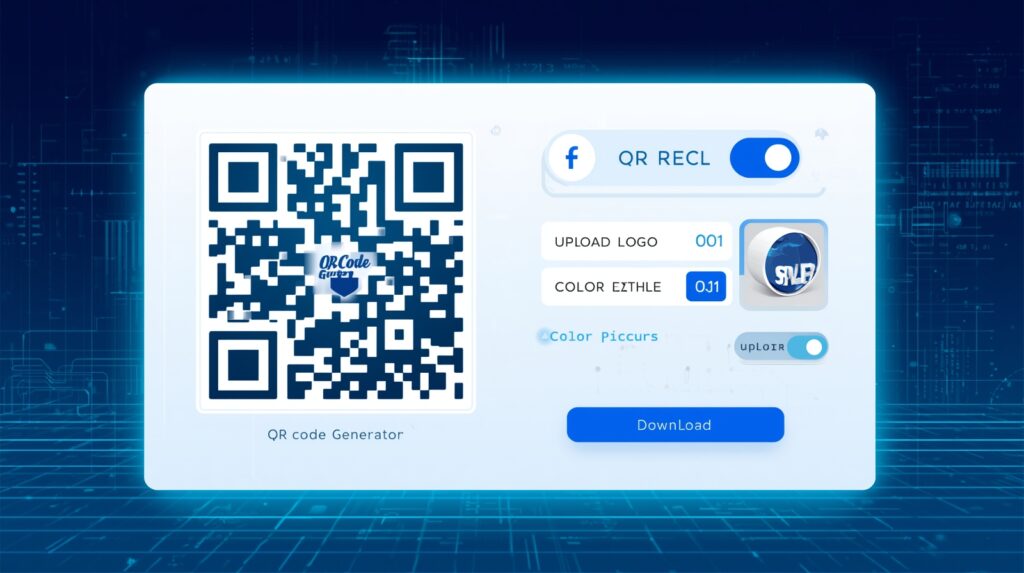
QR Code Generator with Logo
Create professional QR codes with your custom logo, colors, and styles. Download in multiple formats instantly.
Live Preview
ReadyAbout This Tool
Our QR Code Generator with Logo is a powerful, free online tool designed for creating professional, branded QR codes instantly. Whether you’re a marketer, business owner, or creative professional, this tool enables you to generate high-quality QR codes with custom logo embedding, color customization, and multiple style options.
Advanced Logo Embedding Technology: Upload your company logo in PNG, JPG, or SVG format with full transparency support. The intelligent positioning algorithm ensures your logo is centered perfectly while maintaining optimal scannability. Adjust the logo size from 10% to 35% of the QR code for the perfect balance between branding visibility and scan reliability.
Error Correction Levels: Choose from four error correction levels (L, M, Q, H) to balance data density with damage tolerance. High error correction (30%) is recommended when embedding logos, as it allows the QR code to remain scannable even with a portion obscured by your brand image.
Privacy First: All QR code generation happens directly in your browser. No data is uploaded to external servers, ensuring complete privacy and security for sensitive URLs and information. Your content stays on your device.
Multiple Export Formats: Download your QR codes as PNG for web use and social media, or SVG for scalable print materials. Both formats maintain crisp edges at any size, perfect for business cards, posters, packaging, and digital marketing campaigns.
Complete Guide to Creating QR Codes with Logo
1 Why Add a Logo to QR Codes?
Adding a logo to your QR code significantly increases brand recognition and trust. Studies show that branded QR codes have up to 80% higher scan rates compared to plain black-and-white codes. Your audience immediately recognizes your brand, making them more likely to engage with the content.
2 Best Practices for Logo Integration
Keep your logo size between 15-25% of the total QR code area for optimal results. Use transparent PNG files for seamless integration. Always use High (H) error correction when embedding logos to ensure reliable scanning even with the logo covering part of the code.
3 Understanding Error Correction
Error correction allows QR codes to be read even when partially damaged or obscured. Level L recovers 7% of data, M recovers 15%, Q recovers 25%, and H recovers 30%. For logo-embedded codes, always choose Q or H level to ensure your QR remains functional with the logo overlay.
4 Print vs Digital Formats
For digital use (websites, social media, emails), PNG format provides excellent quality with manageable file sizes. For print materials (business cards, posters, packaging), SVG format scales infinitely without quality loss, ensuring crisp edges at any print size from tiny labels to large banners.
Real-World Marketing Use Cases
Business Cards: Replace traditional contact information with a branded QR code linking to your vCard or LinkedIn profile. This modern approach saves space while providing a memorable, tech-savvy impression.
Product Packaging: Link customers directly to product manuals, warranty registration, or promotional content. Branded QR codes on packaging reinforce brand identity while providing valuable post-purchase engagement opportunities.
Event Marketing: Create QR codes for event registration, digital tickets, or interactive event experiences. Attendees can quickly access schedules, maps, and networking features with a simple scan of your branded code.
Restaurant Menus: Since 2020, digital menus via QR codes have become standard. A logo-branded code on table tents reinforces your restaurant’s identity while providing hygienic, easily updatable menu access.
Pro Tip for Maximum Scannability
Always test your QR code with multiple devices before printing or publishing. Ensure adequate contrast between foreground and background colors (dark on light works best). Maintain a quiet zone of at least 4 modules around the QR code edges to prevent scanning issues. When in doubt, increase the error correction level rather than reducing logo size.